
GSC Constituency Check-In

- Next.js 16
- TypeScript
- React 19
- Tailwind CSS v4
- Google Sheets API (production)
- Vercel
For the Gulf States Conference’s 34th Constituency Session, I designed, built and ran a QR check-in system for about 500 delegates. Each attendee carried a printed badge with a QR code, four staff scanned them from their own phones, and a screen behind the check-in table showed each arrival as it happened. There was no time for training, so every screen had to work on the first scan: a manual-entry fallback covers damaged badges, and Google Sheets sits underneath so the organizers could read their own data. It ran live at the event, and it went well.
The problem
The Gulf States Conference needed to check in about 500 attendees at its 34th Constituency Session. Every attendee had a printed badge with a QR code. Four staff would scan from their own phones, and a screen behind the check-in table had to show who had just arrived.
There was no time for training, so it had to work on the first scan.
What I built
Three screens, one for each audience.
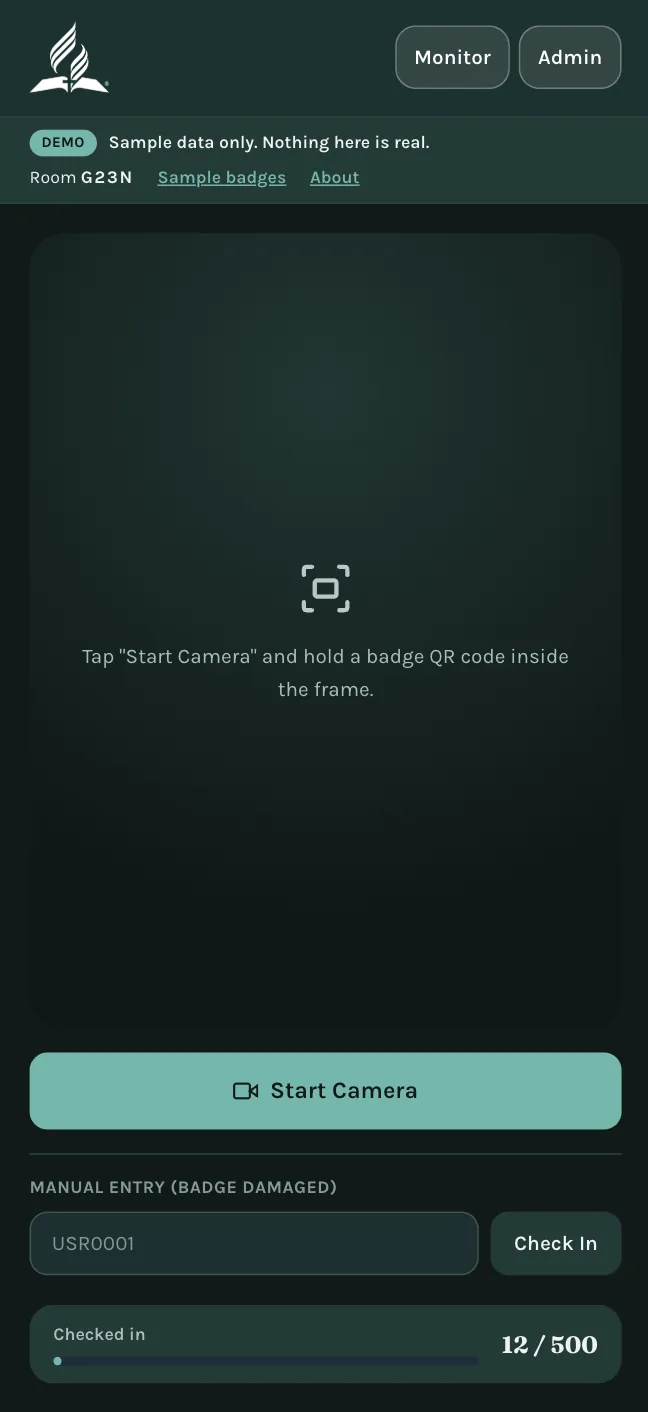
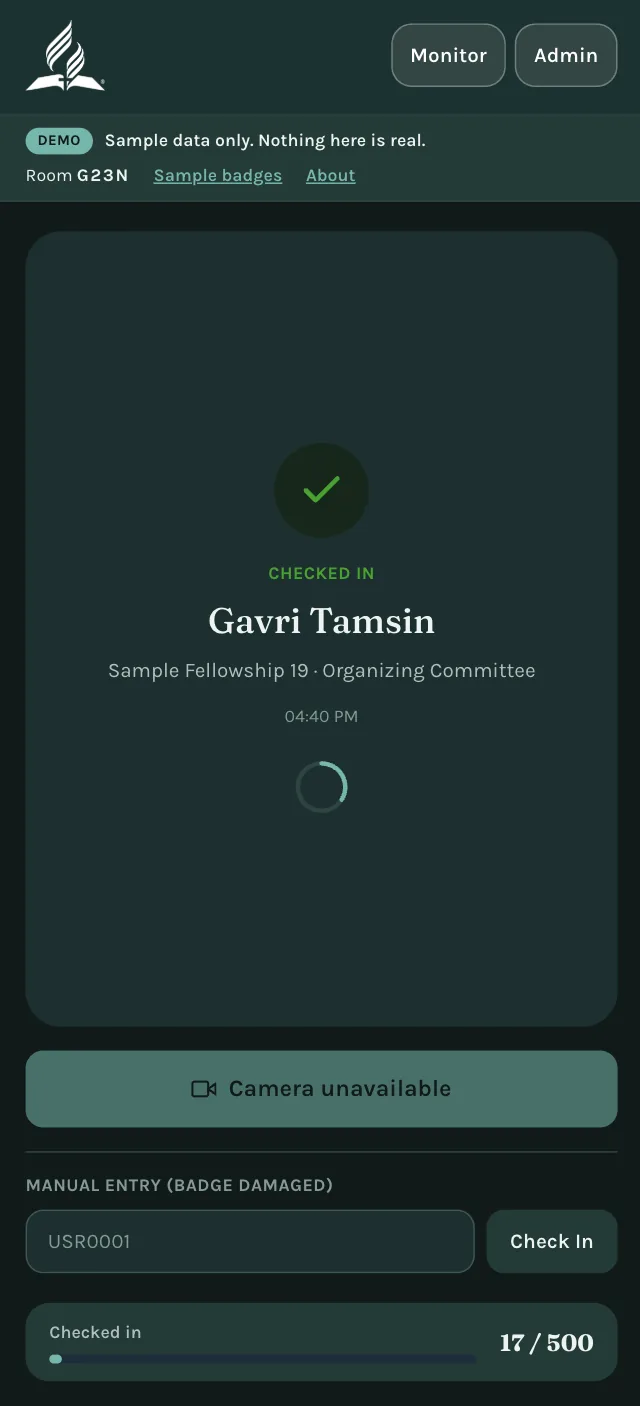
Staff Scanner
Phone camera QR scanning, with manual entry as a fallback for damaged badges.
Public Monitor
A dark, kiosk-style display with the latest check-in and a running count by category.
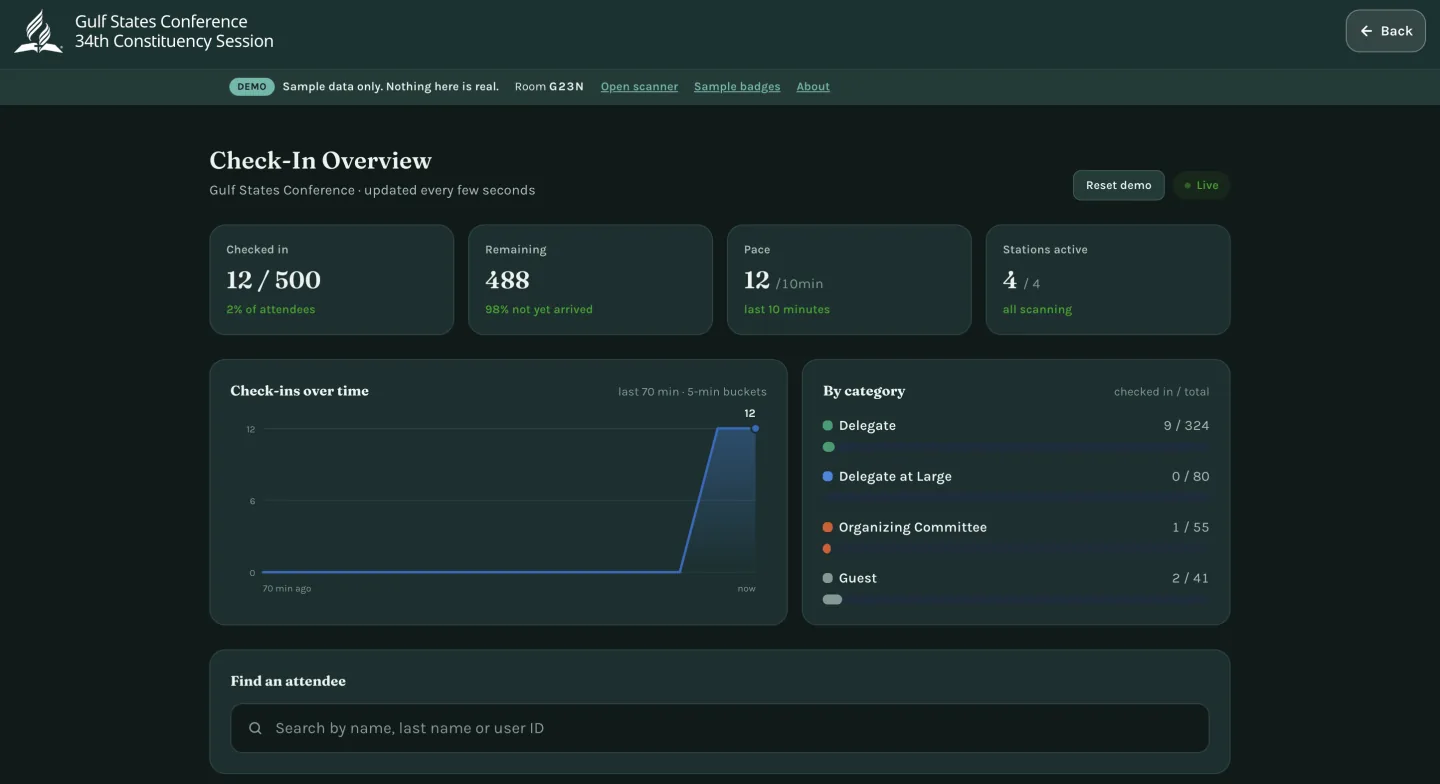
Admin Dashboard
Password-protected stats for the organizers.
Decisions worth explaining
Google Sheets as the datastore
For a one-off event, I reused a pattern I had already proven on an earlier check-in app instead of introducing new infrastructure. The organizers already knew how to read a spreadsheet.
Polling instead of push
Sheets has no push mechanism, so the screens refresh on short intervals. I designed around that instead of pretending it was real-time.
Badges that carry nothing sensitive
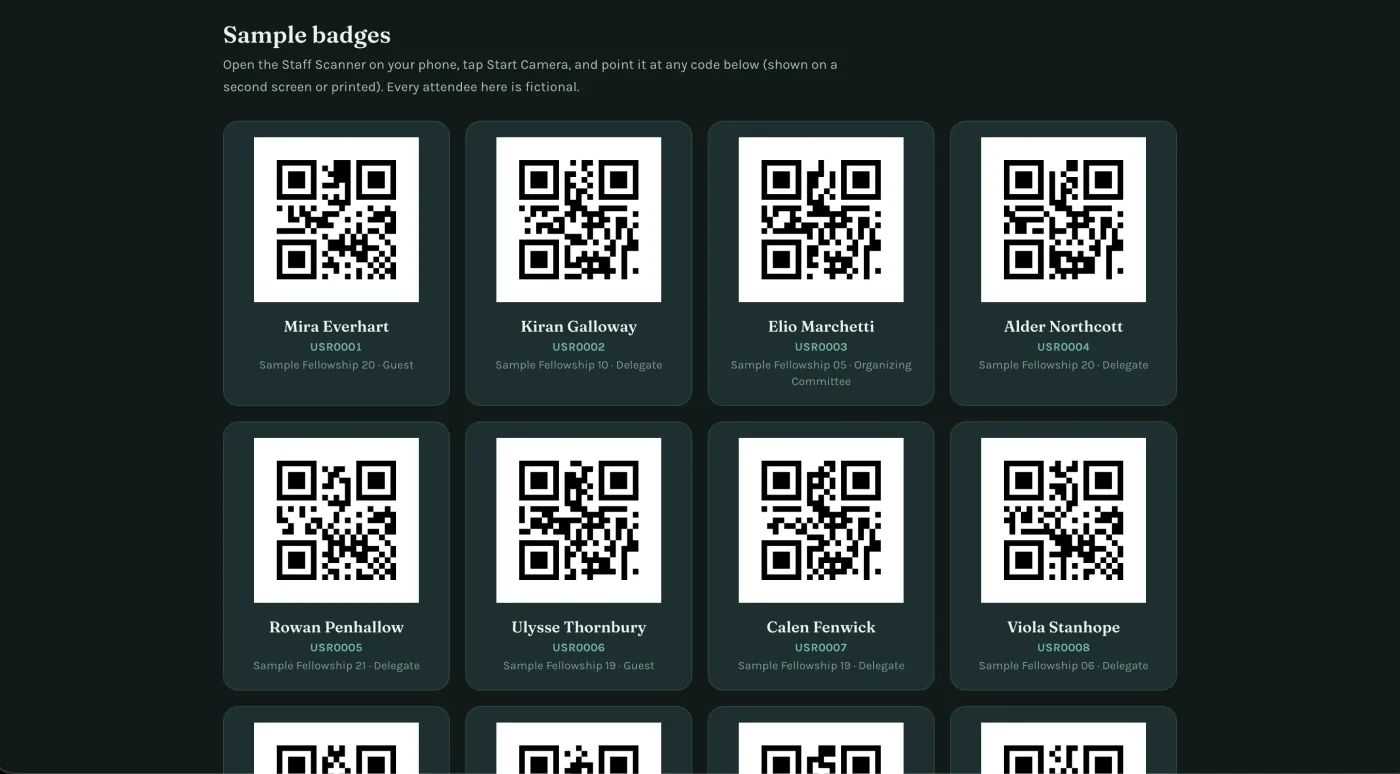
Each QR code encodes only a plain user ID, so a lost badge exposes no personal details.
Safe writes
The check-in path writes one record at a time, with no bulk or sweeping updates. That rule came from a data-loss incident on an earlier project.
The demo
The live demo runs on fictional attendees, and each visitor gets their own isolated room. Open the monitor on a laptop, pair a phone through “Open scanner”, and scan a sample badge: the name appears on the monitor.
The demo stores its data in Upstash Redis instead of Google Sheets, so it never touches the production system.
All data in the demo is fictional.
What I’d do next
A multi-tenant version on Postgres with row-level security, so other organizations could run their own events.